

-
 By Ros socheath
-
Nov 09, 2025
- Web Security
-
2 min read
Securing HTML Responses: Implementing Security Headers in Laravel
The SecurityHeaders middleware is designed to strengthen your Laravel application's security by adding standard HTTP headers to HTML responses. These headers instruct browsers to handle your pages more safely, reducing exposure to common vulnerabilities.
Why It Matters
Security headers are an easy but powerful way to add an extra layer of protection. They help prevent:
- Clickjacking attacks via iframes
- MIME-type sniffing by browsers
- Excessive referrer information leakage
- Unauthorized access to sensitive browser APIs
Headers Added
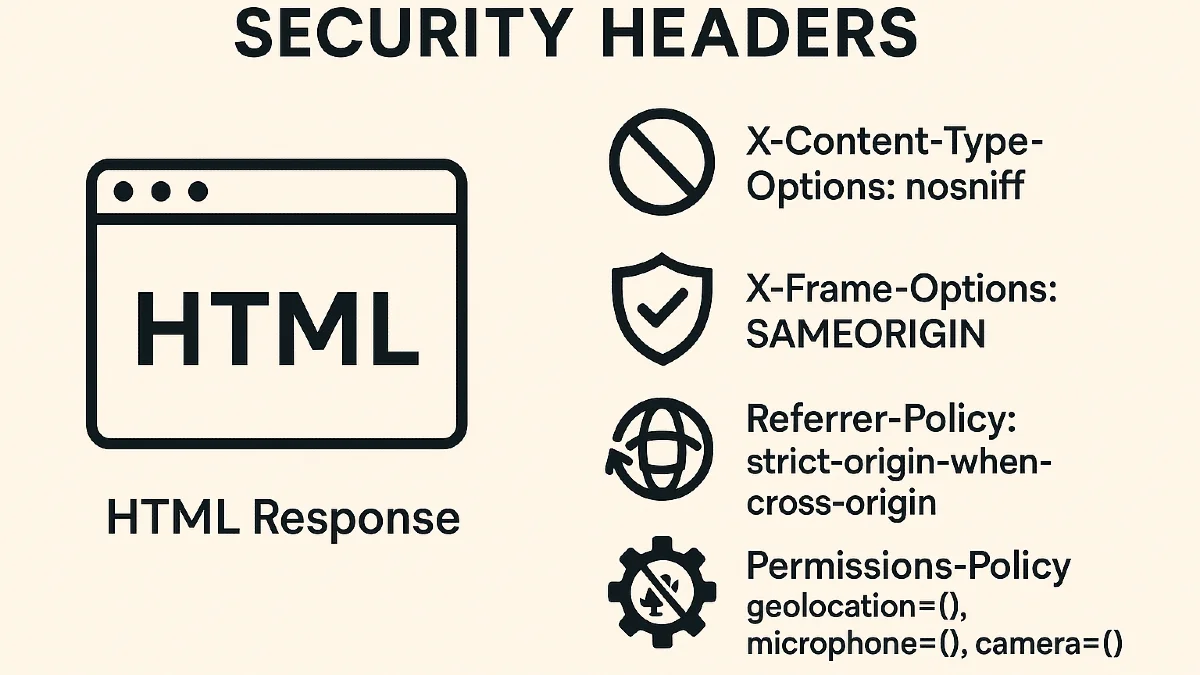
- X-Content-Type-Options: nosniff — Prevents browsers from guessing file types.
- X-Frame-Options: SAMEORIGIN — Blocks embedding in iframes from other origins.
- Referrer-Policy: strict-origin-when-cross-origin — Limits referrer data.
- Permissions-Policy: geolocation=(), microphone=(), camera=() — Disables unwanted access to device features.
- Strict-Transport-Security (only in production over HTTPS) — Enforces secure connections via HSTS.
How It Works
The middleware checks if the response is an HTML page and then applies the headers. It ensures that no existing headers are overwritten and only applies Strict-Transport-Security when running in a secure production environment.
How to do
To create a new middleware, use the make:middleware Artisan command:
php artisan make:middleware SecurityHeaders
and do this
<?php

namespace App\Http\Middleware;

use Closure;
use Illuminate\Http\Request;
use Symfony\Component\HttpFoundation\Response;

class SecurityHeaders
{
    public function handle(Request $request, Closure $next): Response
    {
        $response = $next($request);

        if ($this->isHtmlResponse($response)) {
            $this->addSecurityHeaders($response);
        }

        return $response;
    }

    private function isHtmlResponse(Response $response): bool
    {
        $contentType = $response->headers->get('Content-Type', '');
        return str_contains($contentType, 'text/html') || empty($contentType);
    }

    private function addSecurityHeaders(Response $response): void
    {
        $headers = [
            'X-Content-Type-Options' => 'nosniff',
            'X-Frame-Options' => 'SAMEORIGIN',
            'Referrer-Policy' => 'strict-origin-when-cross-origin',
            'Permissions-Policy' => 'geolocation=(), microphone=(), camera=()',
        ];

        if (app()->environment('production') && request()->secure()) {
            $headers['Strict-Transport-Security'] = 'max-age=31536000; includeSubDomains';
        }

        foreach ($headers as $key => $value) {
            if (!$response->headers->has($key)) {
                $response->headers->set($key, $value);
            }
        }
    }
}
How to Force HTTPS Globally
To ensure all production traffic uses HTTPS
Add a redirect in your AppServiceProvider:
use Illuminate\Support\Facades\URL;

public function boot()
{
    if (app()->environment('production')) {
        URL::forceScheme('https');
    }
}
This code tells Laravel to automatically generate all URLs — including routes, assets, and links — using the https:// scheme when your app runs in production.
For a more detailed explanation, check out the Laravel News article:
👉 Forcing HTTPS in Laravel
It’s a great resource that covers how this feature works internally and how to apply it safely across environments.
Benefits
- Lightweight and framework-native
- Improves compliance with modern browser security standards
- No external dependencies
- Safe for all HTML routes
Implementing SecurityHeaders in your Laravel application is a quick win for improving your overall security posture. It’s easy to maintain, production-ready, and ensures every user interaction is handled more securely.